Security · Field note 012
Fake CAPTCHA tricks are becoming the doorway into Mac malware
The ClickFix technique persuades users to paste malicious commands into Terminal, sidestepping the protections that normally inspect an unfamiliar app.
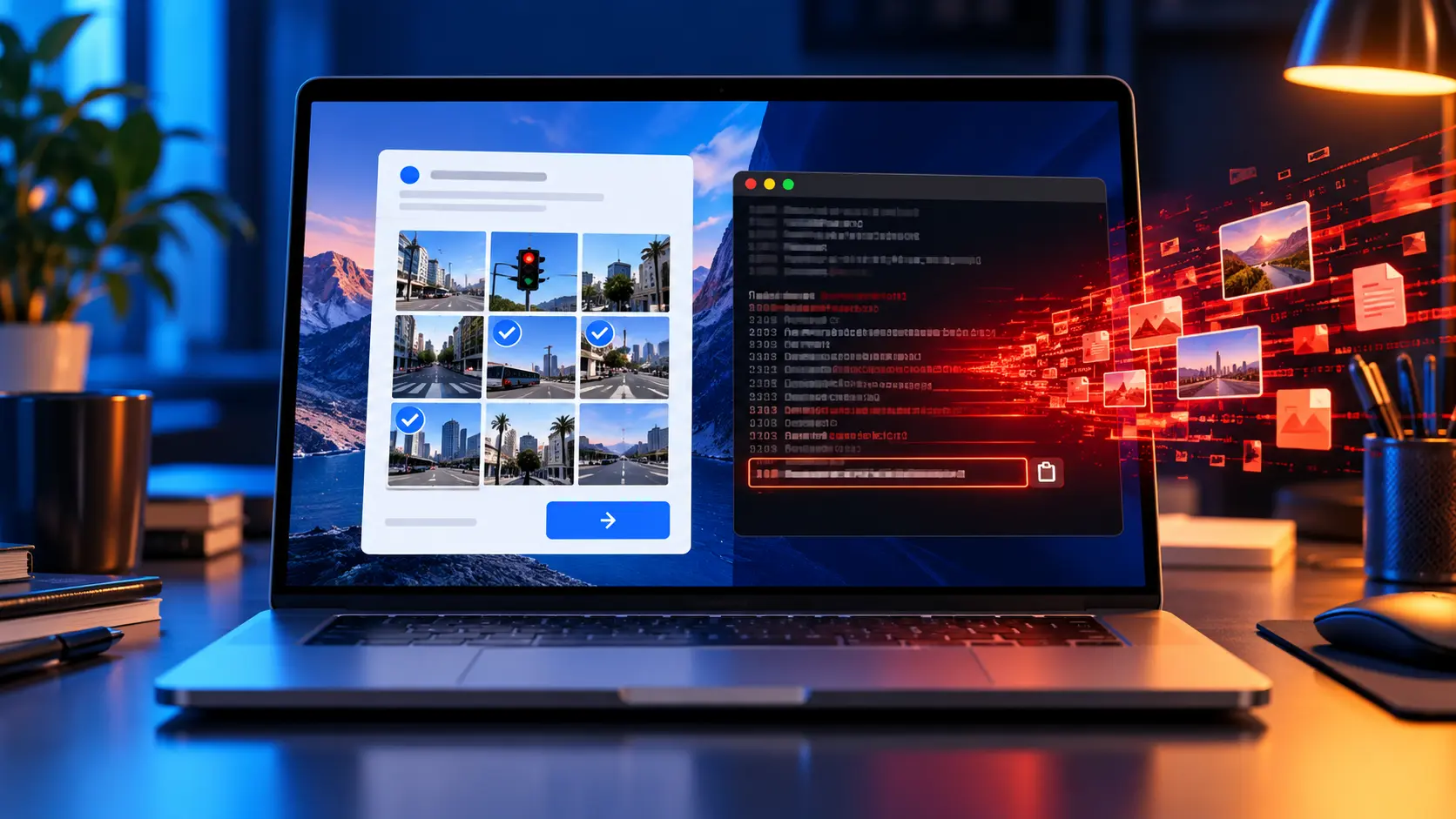
Mac malware is increasingly arriving through a simple trick: a website tells the user to copy a command, open Terminal, and paste it as part of a supposed CAPTCHA or system repair.
Instead of exploiting a technical flaw, the attack persuades the person at the keyboard to launch the malware.
The technique is commonly known as ClickFix. Recent threats using variations of it include ClickLock, MacSync, and a Go-based credential stealer. Fake verification screens can imitate familiar services or pose as cleanup and software-installation tools, giving the malicious command a convincing explanation.
The user becomes the installer
ClickLock shows how damaging the approach can become. Group-IB reports that the malware searches browsers, password-manager extensions, cryptocurrency wallets, Keychain data, and other credentials. It can also install a persistent backdoor. The security company identified at least 100 victims across 33 countries during its investigation.
These attacks are effective because the user is instructed to perform the action that macOS would normally treat as intentional. Built-in protections such as Gatekeeper and XProtect have less opportunity to intervene when a person manually runs a script and approves the prompts that follow.
The safest response is also the simplest: never paste a Terminal command supplied by a webpage or unexpected pop-up. Mac owners should keep macOS current, avoid granting unnecessary permissions, and disable Screen Sharing when it is not in use.
A real CAPTCHA should not require Terminal, Script Editor, or a copied shell command.